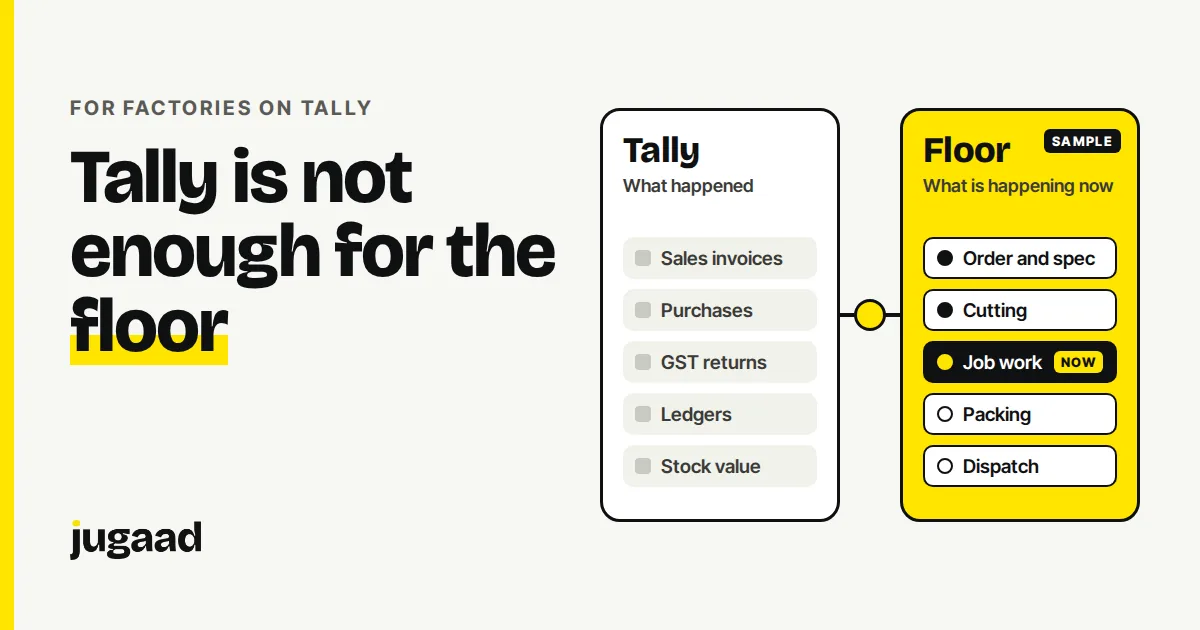
If your accounts run on Tally, you already have a good record of what happened: purchases, sales, GST, stock value. What Tally does not answer well is what is happening on the floor right now. This post explains what to keep in Tally, what to add beside it, and how to start without replacing anything.
What Tally is good at
Tally is built for accounts. It records money and entries, and your accountant and your CA both know it. GST filing, invoicing and ledgers should stay there.
There is no reason to move that. A new system that tries to replace Tally takes months and puts your books at risk for no gain.
The questions Tally was not built for
Try these on a normal working day:
- Which orders are late, and at which stage are they stuck?
- How much of this order's material is sitting with outside vendors?
- Which supervisor changed the spec after cutting started?
- If we promise delivery on the 20th, can the floor meet it?
- A quality issue came up at packing. Which stage did it start in?
In most factories, these get answered by phone calls, a diary, an Excel sheet or one person's memory. That is where the time goes.
None of this is a fault in Tally. It records what happened after someone enters it. The floor needs something that shows what is happening now, as people do the work.
What to add beside Tally
You do not need a long feature list. Four things cover most factories:
- An order and spec record. The order details are captured once and visible to everyone who needs them, so a change reaches the person cutting.
- Stage tracking. Each order shows its current stage, and a stage opens only when the one before it is complete.
- Vendor and job work records. What went out, who has it, when it is due back, what came back. We wrote a separate guide on how to track job work without diaries.
- A due date view. Commitments next to the real queue, so a promise is made knowing capacity.
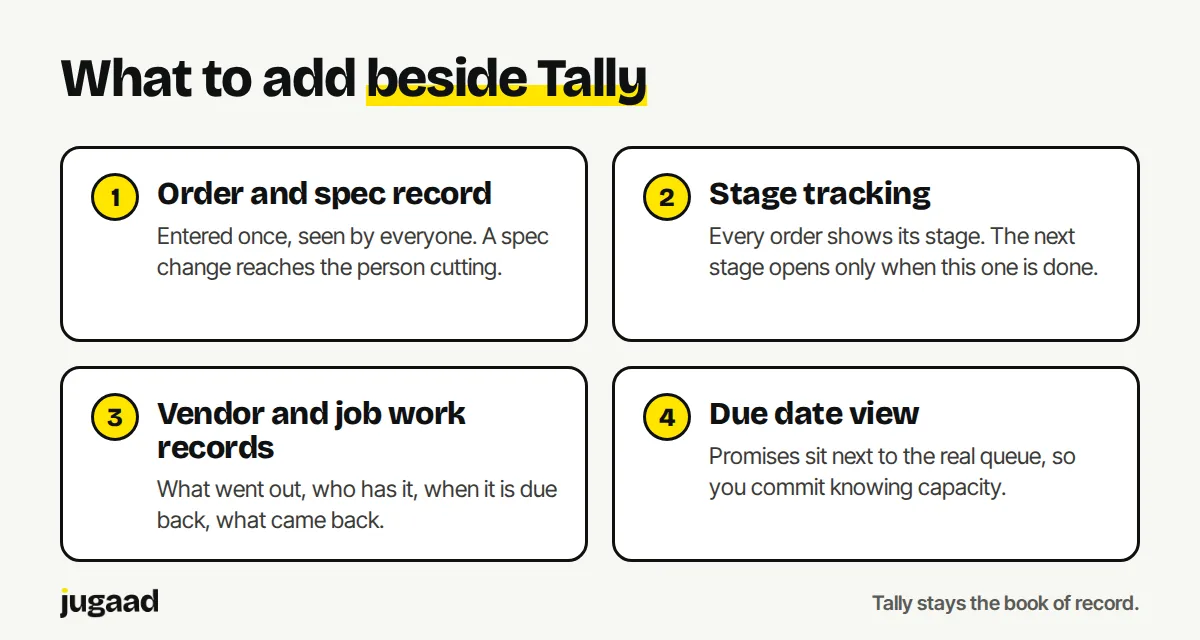
Tally stays the book of record. The floor system holds the live picture.
How the two work together
Think of it as a division of labour.
| Tally | Floor system | |
|---|---|---|
| Main question | What happened, in money terms? | What is happening now, on the floor? |
| Who uses it | Accounts, CA | Owner, supervisors, dispatch |
| GST and invoices | Yes | No, stays in Tally |
| Order stage and spec | No | Yes |
| Vendor material | Entries after the fact | Sent, due, received, as it moves |
The two can be connected, so a dispatch recorded on the floor does not have to be typed again in accounts. What exactly can be connected depends on your Tally setup and your process. We check that on the first call.
When you do not need to add anything
If you run a small unit with a few orders in progress and one person sees everything, Tally plus a simple sheet may be enough. Add a system when the questions above start costing you phone calls, late orders or rework, not before.
If an existing product already does this well for you, use it. We will tell you that on the call.
How to start
Do not start with the whole factory.
- Write down the three questions you ask on the floor most often.
- Pick the one process behind them. For many units that is job work or order status.
- Build a small system for that one process, next to Tally.
- See it work. Then grow.
More on how we approach this for factories: software for manufacturers.
FAQ
Do I have to replace Tally to track production? No. Accounts and GST can stay in Tally. A floor system sits next to it and covers what Tally was not built for: live order stage, vendor material and due dates.
Can the floor system share data with Tally? Often yes. Tally is one of the systems we connect to, alongside spreadsheets and WhatsApp. What can be shared depends on your setup, so we confirm it on a short call.
How long does it take to build? We aim for weeks, not months, by starting with one process. The exact time depends on your process, and we can tell you after a short call.
Next step
Tell us what wastes the most time in your business. Fifteen minutes is usually enough to know whether it is worth building.
Book a 15-minute call. No obligation. No pitch deck.
You can also reach me on WhatsApp at +91 98300 90897, or write to atish@jugaad.sh. I answer directly.
Atish Kejriwal, Founder, Jugaad Studio