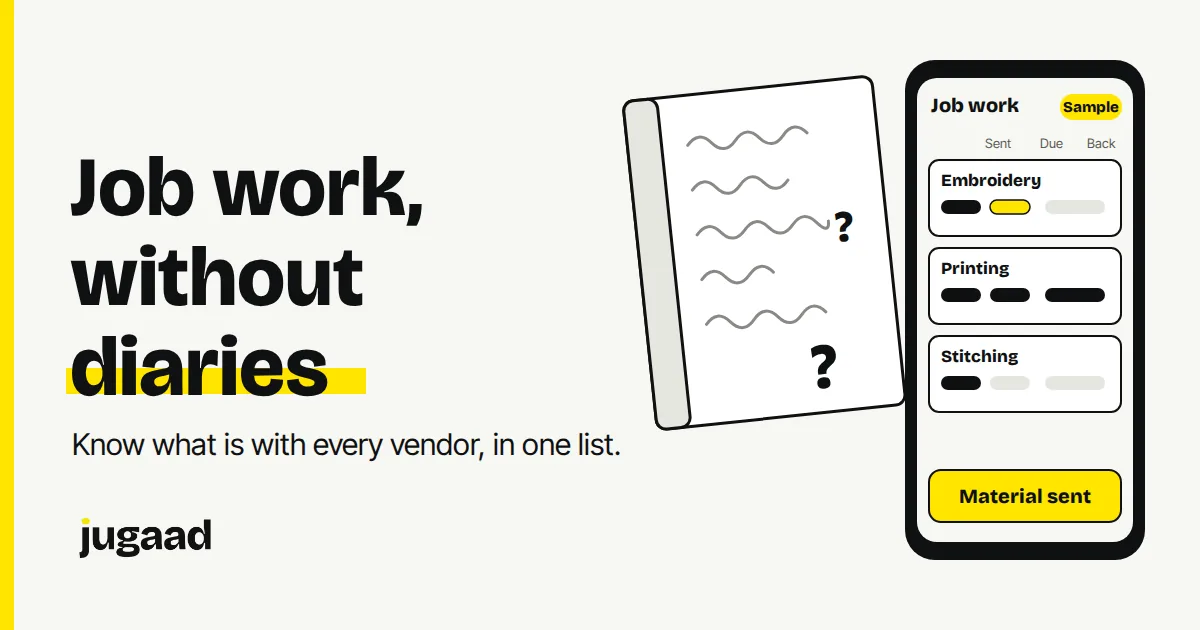
If you send material to outside vendors, the record of what went out and what came back probably sits in a diary. Maybe also in Excel, and in the memory of one supervisor. This post explains how to track job work in one place, what to record, and how to start without a big project.
What goes wrong when job work lives in diaries
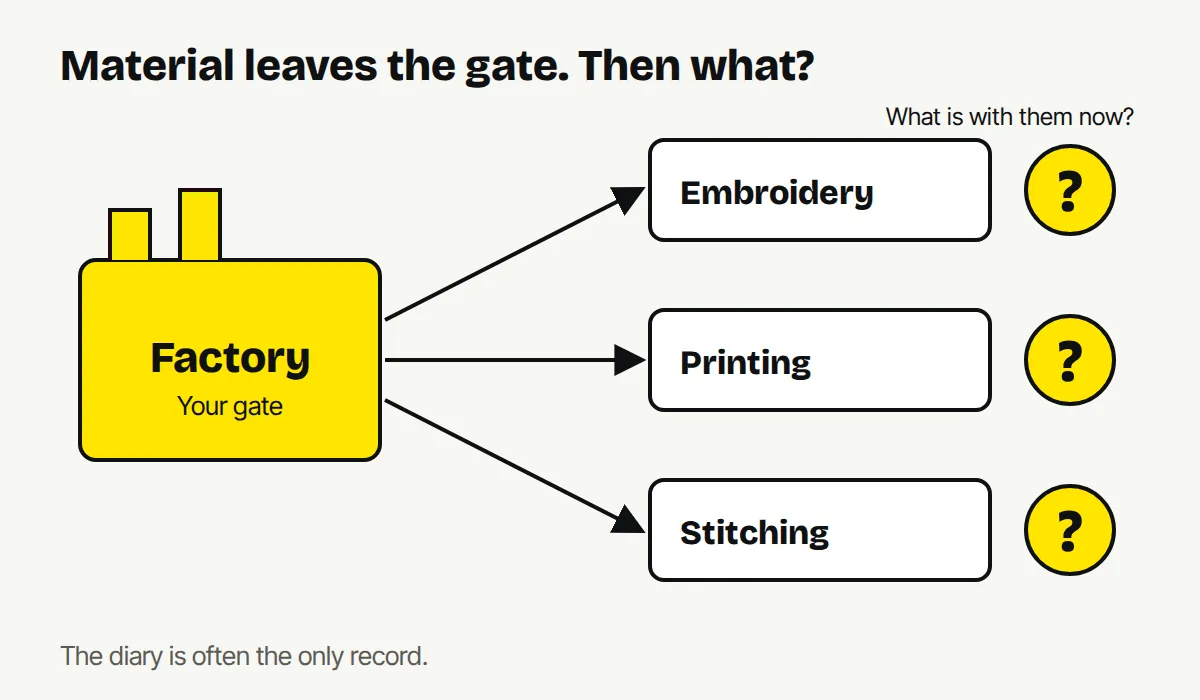
Job work is where visibility is usually worst. The material leaves your gate. After that, you know only what someone wrote down or remembers.
These are the problems we see in factories that track job work on paper:
- Cutting starts before the materials have arrived.
- Nobody can say quickly how much material is sitting with which vendor.
- A quality issue turns up at packing, and there is no trace back to the stage or vendor where it started.
- To know the status of an order, someone calls the floor.
- When the one person who understands the diary is on leave, the knowledge goes with them.
None of this means your team is careless. A diary was built to write things down, not to answer "where is this lot right now?"
What a job work record needs
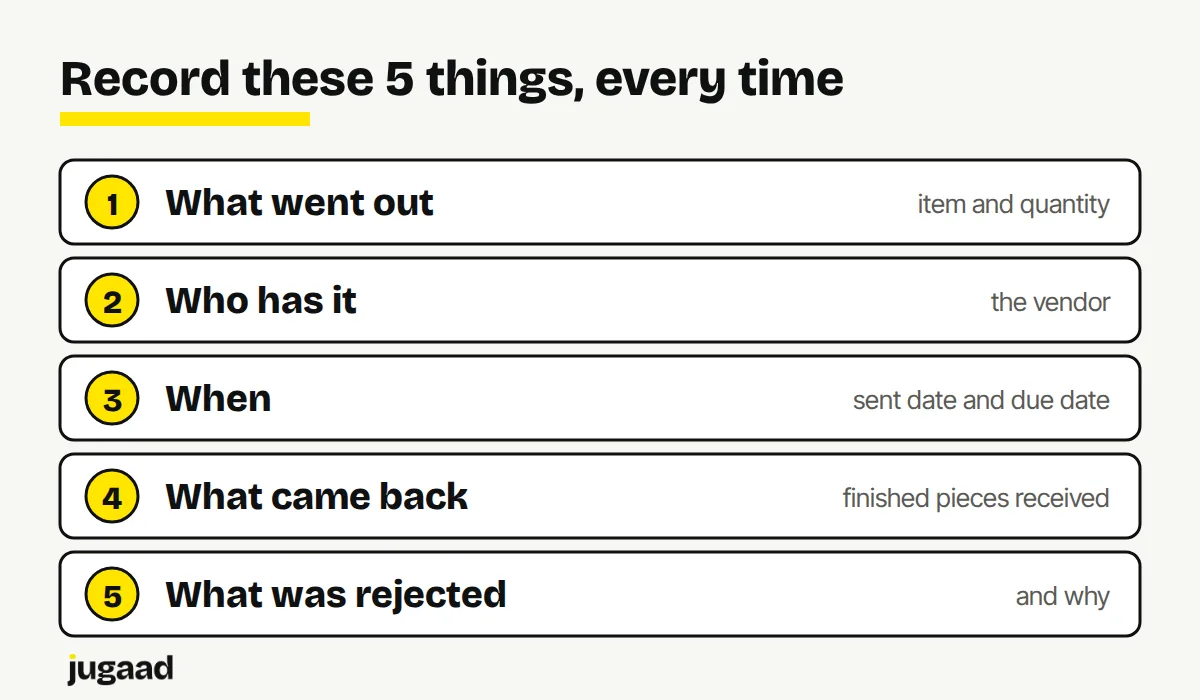
You do not need a long list. Five things cover most of it.
- What went out. Item, lot or roll, and quantity.
- Who has it. The vendor, and the stage they are doing (for example embroidery or printing).
- When it went and when it is due back. Both dates, written down at the time.
- What came back. Date and quantity, so the difference is visible straight away.
- What was rejected, and where. Logged at the point where it was found, not counted days later at packing.
If your record has these five, you can answer most questions without a phone call.
Why a lot or roll identity matters
If each lot or fabric roll keeps its identity as it moves, you can trace a problem back to where it started. In a garment unit, for example, each fabric roll can keep its identity through cutting. When a quality issue shows up late, you can go back and see which roll and which stage it came from.
Without that identity, all you can do is count the damage.
Lock each stage until the one before it is done
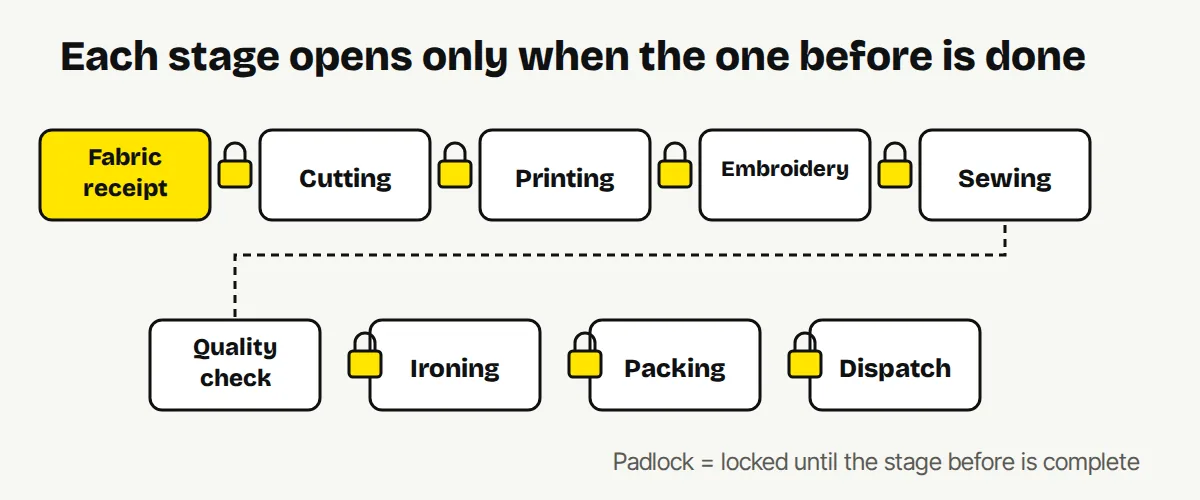
A common cause of rework is work starting before inputs are confirmed. A simple rule fixes much of it: a stage cannot start until the one before it is complete.
On paper this depends on people remembering the rule. In a system it can be built in. In the garment manufacturing system we built, each stage is locked until the one before is complete, and the stages run from fabric receipt through cutting, printing, embroidery, sewing, quality check, ironing, packing and dispatch.
Paper, Excel or software: what each one can do
| | Diary | Excel | Connected system | |---|---|---|---| | Quick to start | Yes | Yes | Takes weeks to build | | One person can read it | Usually | Usually | Everyone with access | | Shows what is pending now | Only if someone reads every page | Only if someone updates it | Yes, as people record work | | Rejections traced to a stage | Rarely | Sometimes | Yes, if logged at the source | | Works on the floor | Yes | Awkward on a phone | Yes, if built for a phone |
Excel is a real step up from a diary. The limit is that it depends on someone remembering to update it, and it is hard to use on the floor.
What the floor needs from a job work system
If the people on the floor do not use it, the data is wrong, and then nobody trusts it. So the screens must be simple:
- Few fields, only what that person has to record.
- Large buttons, built for a phone, not a desktop.
- One tap to record dispatch or receipt.
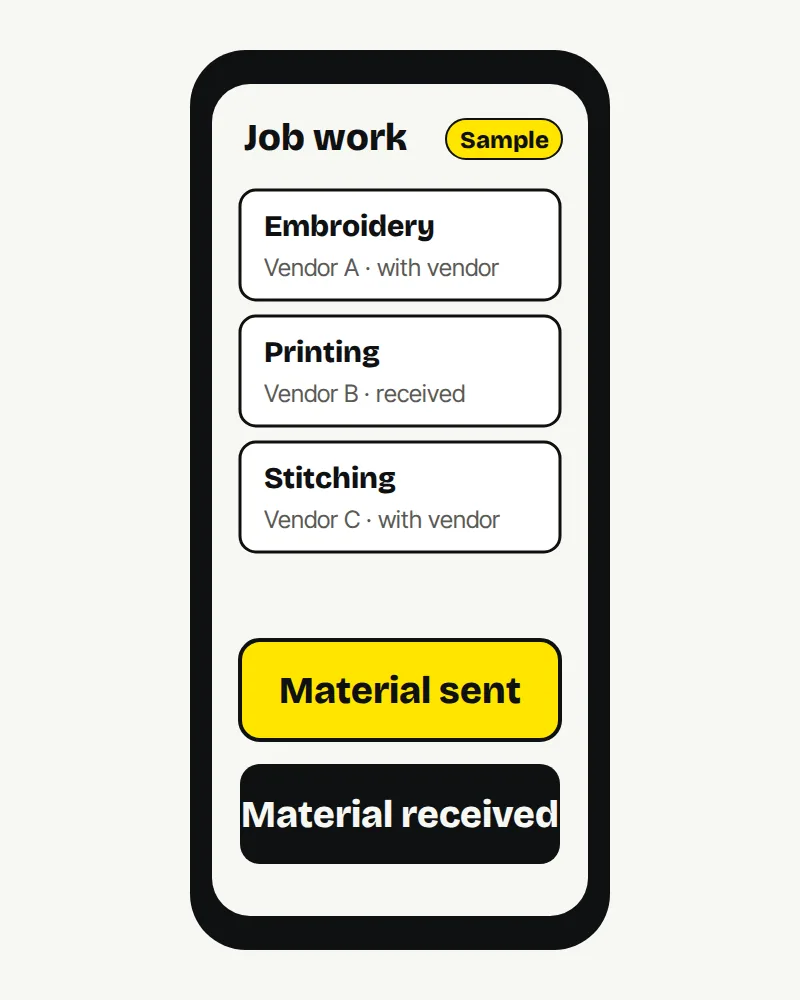
Invoicing and GST can stay in Tally. A job work system sits next to it and connects to it. Tally records what happened. The job work system shows what is happening now.
How to start
Do not start with a company-wide system. Start with job work, because that is where visibility is worst.
- List every vendor and every stage that leaves your gate.
- For one month, write down the five things above for every movement, in one common format.
- Look at where the questions and phone calls come from. That is what to build first.
- Build a small system for that one process. See it work. Then grow.
If an existing product already does this well for you, use it. We will tell you that on the call. There is no discovery fee.
FAQ
Can job work tracking work for vendors who will not use software? Yes. Your own team can enter the dispatch and the receipt. The vendor does not need to log in. What matters is that dates and quantities are recorded when material leaves and when it returns.
Do I have to replace Tally? No. GST and invoicing can stay in Tally. A job work system connects to it and covers what Tally was not built for: what is happening right now.
How long does it take to build? We aim for weeks, not months, by starting with one process. The exact time depends on your process, and we can tell you after a short call.
Next step
Tell us what wastes the most time in your business. Fifteen minutes is usually enough to know whether it is worth building.
Book a 15-minute call. No obligation. No pitch deck.
You can also reach me on WhatsApp at +91 98300 90897 (https://wa.me/919830090897), or write to atish@jugaad.sh. I answer directly.
Atish Kejriwal Founder, Jugaad Studio