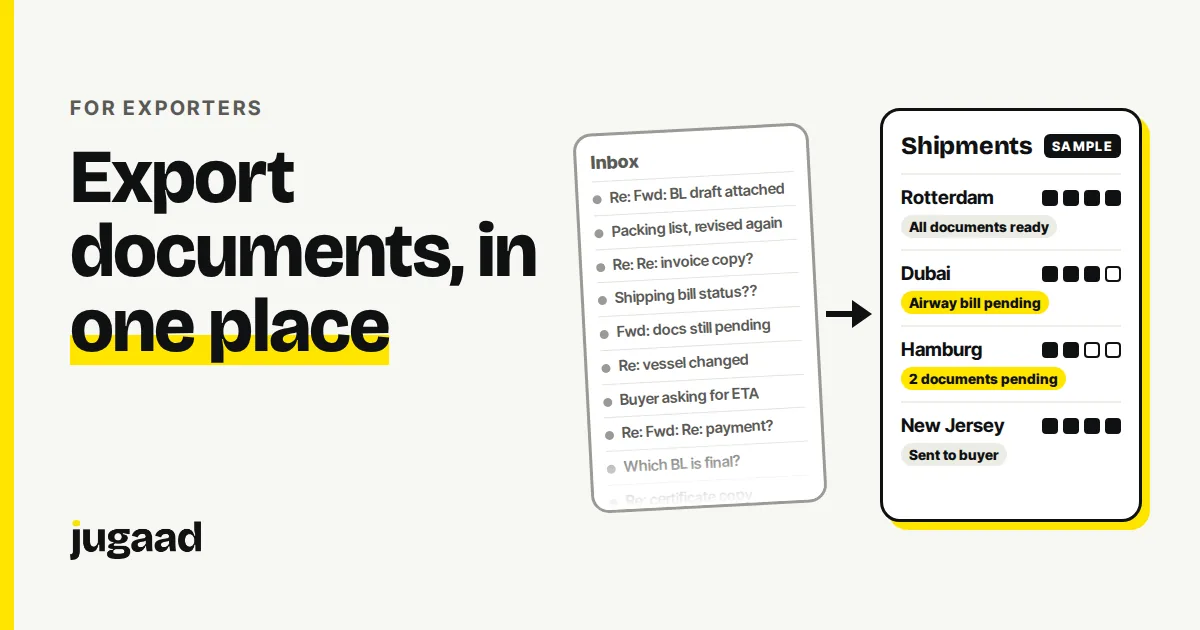
Once an export order leaves your factory, the work is not over. Documents, shipment status and buyer questions keep coming, and for most exporters they live in an inbox. This post explains what to track for each shipment, how to see what is missing at a glance, and how to start without a big project.
What goes wrong when export status lives in an inbox
The goods are on the way. The information about them is spread across email threads, a forwarder's messages, an Excel sheet and a few WhatsApp chats.
These are the usual results:
- Someone has to search email to find which document went to which buyer.
- A document is missing or wrong, and you find out when someone downstream asks for it.
- To answer "where is this shipment?" you ask the forwarder or scroll through messages.
- One person knows the status of every shipment. When they are away, nobody does.
- Follow-ups on payment depend on someone remembering.
Email is good for sending a document. It is a poor place to keep the status of fifty shipments.
What a shipment record needs
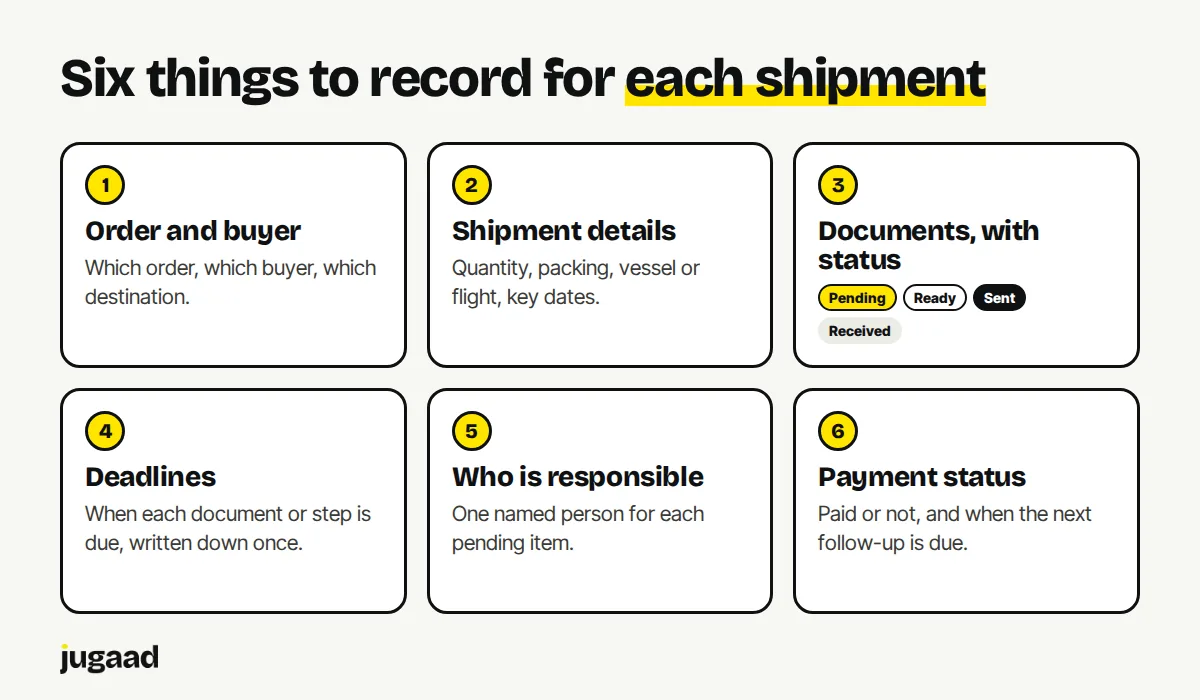
Start with one record per shipment. Six things cover most of it:
- Order and buyer. Which order, which buyer, which destination.
- Shipment details. Quantity, packing, vessel or flight, key dates.
- Documents, with status. Each document your shipment needs, marked as pending, ready, sent or received.
- Deadlines. The date each document or step is due, written down once.
- Who is responsible. One named person for each pending item.
- Payment status. Whether the buyer has paid, and when the next follow-up is due.
Which documents a shipment needs depends on your product and the destination. Common ones are the commercial invoice, packing list, shipping bill and bill of lading or airway bill. Your forwarder or CA will give you the exact list for your case. The point is that the list is checked off in one place.
See what is missing, not just what exists
A folder of files tells you what you have. It does not tell you what is missing.
The more useful view is a list of shipments with the pending items next to each one:
- Which shipments are waiting on a document?
- Which deadlines fall this week?
- Which payments are overdue for a follow-up?
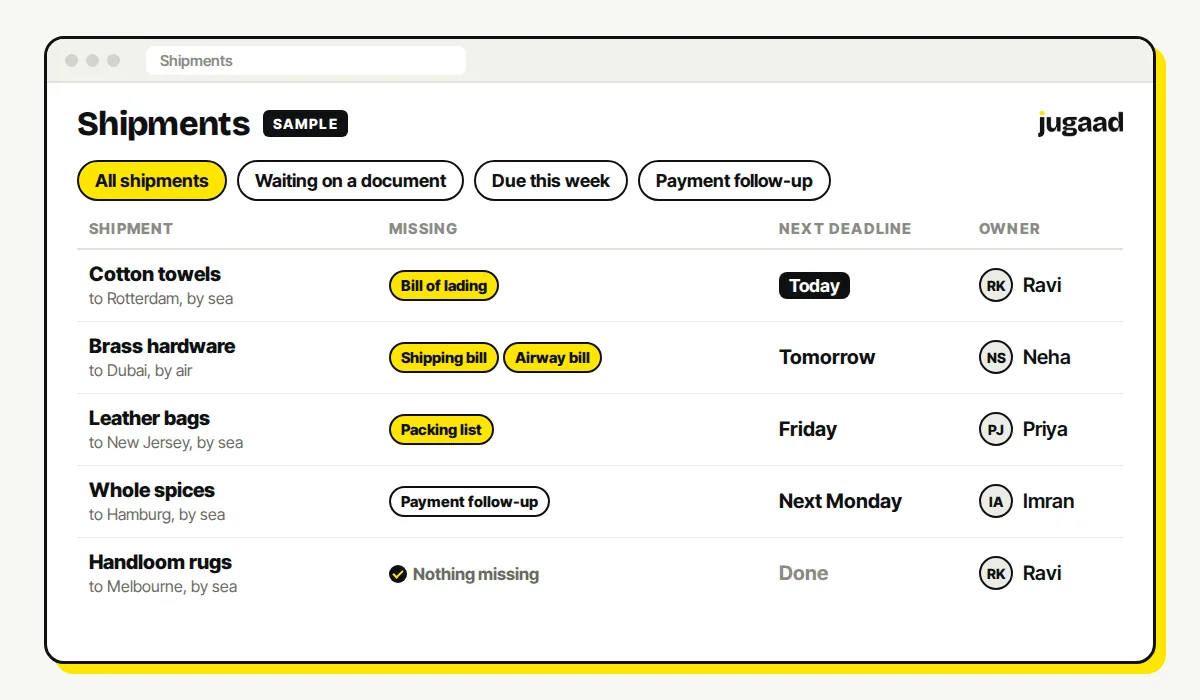
If that list is on one screen, the morning check takes a minute instead of an hour of searching.
Paper, Excel, inbox or a connected system
| Inbox and folders | Excel | Connected system | |
|---|---|---|---|
| Quick to start | Yes | Yes | Takes weeks to build |
| Shows what is missing | No | Only if someone keeps it updated | Yes, from the checklist |
| Reminders for deadlines | No | No | Yes, can fire on their own |
| Works when one person is away | Hard | Usually | Yes, everyone sees the same record |
| History of who did what | In scattered threads | Rarely | Yes, recorded as it happens |
Excel is a real step up from an inbox. Its limit is that it only works while one person keeps updating it. Deadline reminders that fire on their own are where a connected system starts to save real time.
Keep your accounts where they are
Invoicing, GST and books can stay in Tally or wherever you keep them. A shipment system sits next to your accounts. It does not replace them. It holds the live status of documents and deadlines. We explain the same split for the factory floor in Tally is not enough to run your factory floor.
How to start
Do not start with every shipment and every document type.
- Pick your next ten shipments, or the shipments of one buyer.
- For each one, write down the six things above in one common format.
- Note which questions you were asked, and which ones you had to search email to answer.
- Build a small system for that. See it work. Then grow.
More on what we build for exporters: software for export businesses.
If an existing product already does this well for you, use it. We will tell you that on the call. There is no discovery fee.
FAQ
Can this work if my forwarder and buyers do not use any software? Yes. Your own team enters the status and marks documents off. The forwarder and the buyer carry on using email. What changes is that you have one place to see where everything stands.
Do I have to move my accounts out of Tally? No. Accounts and GST can stay where they are. A shipment system covers what accounts software was not built for: document status, deadlines and follow-ups.
How long does it take to build? We aim for weeks, not months, by starting with one process. The exact time depends on your process, and we can tell you after a short call.
Next step
Tell us what wastes the most time in your business. Fifteen minutes is usually enough to know whether it is worth building.
Book a 15-minute call. No obligation. No pitch deck.
You can also reach me on WhatsApp at +91 98300 90897, or write to atish@jugaad.sh. I answer directly.
Atish Kejriwal, Founder, Jugaad Studio